

The proposal excitement fades fast, and reality sets in. When should we meet each other's parents? How far in advance should we book the venue? What about the dress? The honeymoon? Studies show that 34% of couples feel overwhelmed at the start — and knowing this upfront, you can plan with a clear structure from day one.
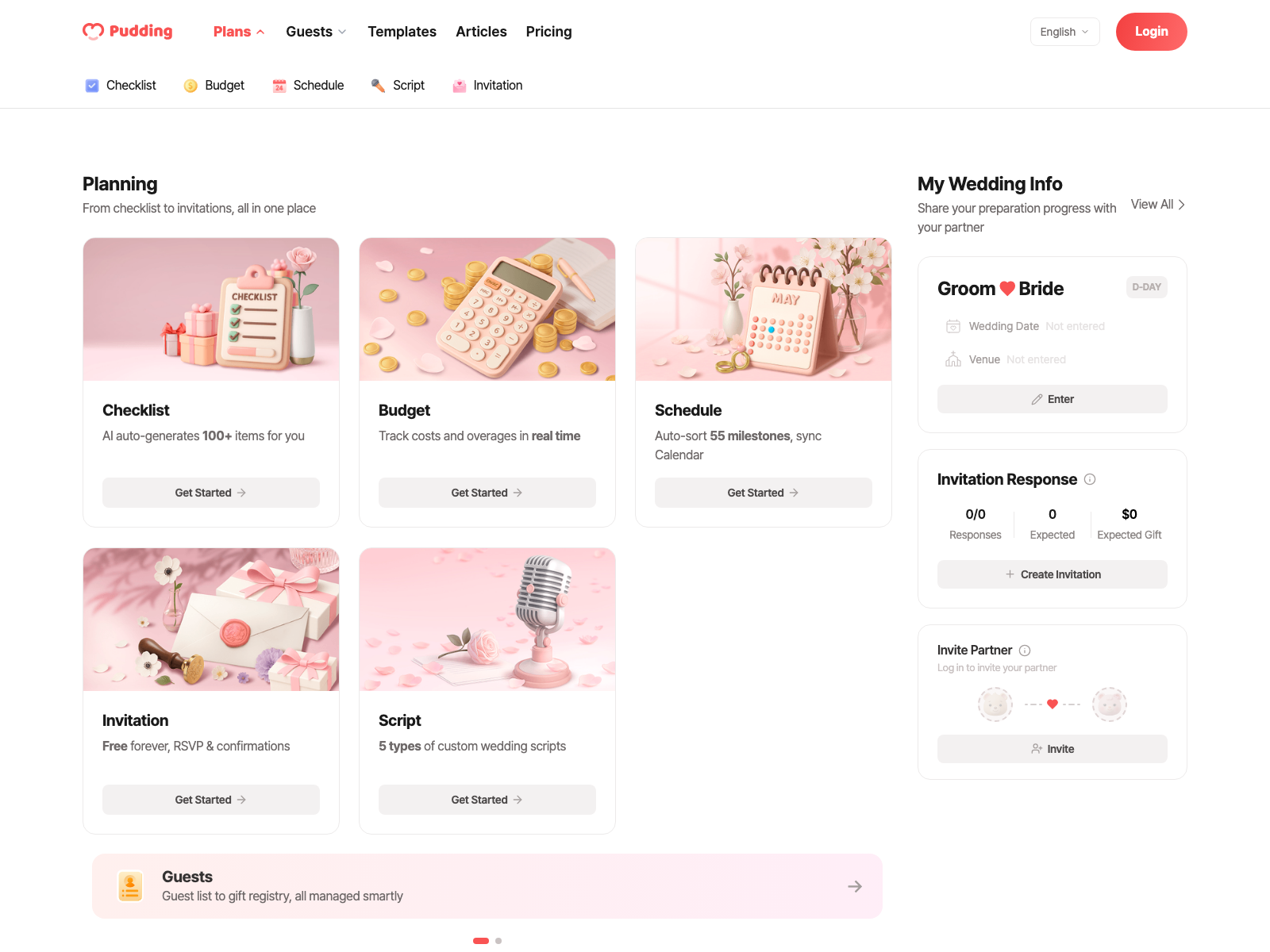
The root cause of this feeling is not being able to see the big picture. With Pudding, just enter your wedding date and 8 categories with 73 items are automatically generated, complete with timing, budget, and practical tips.
Create Your Checklist
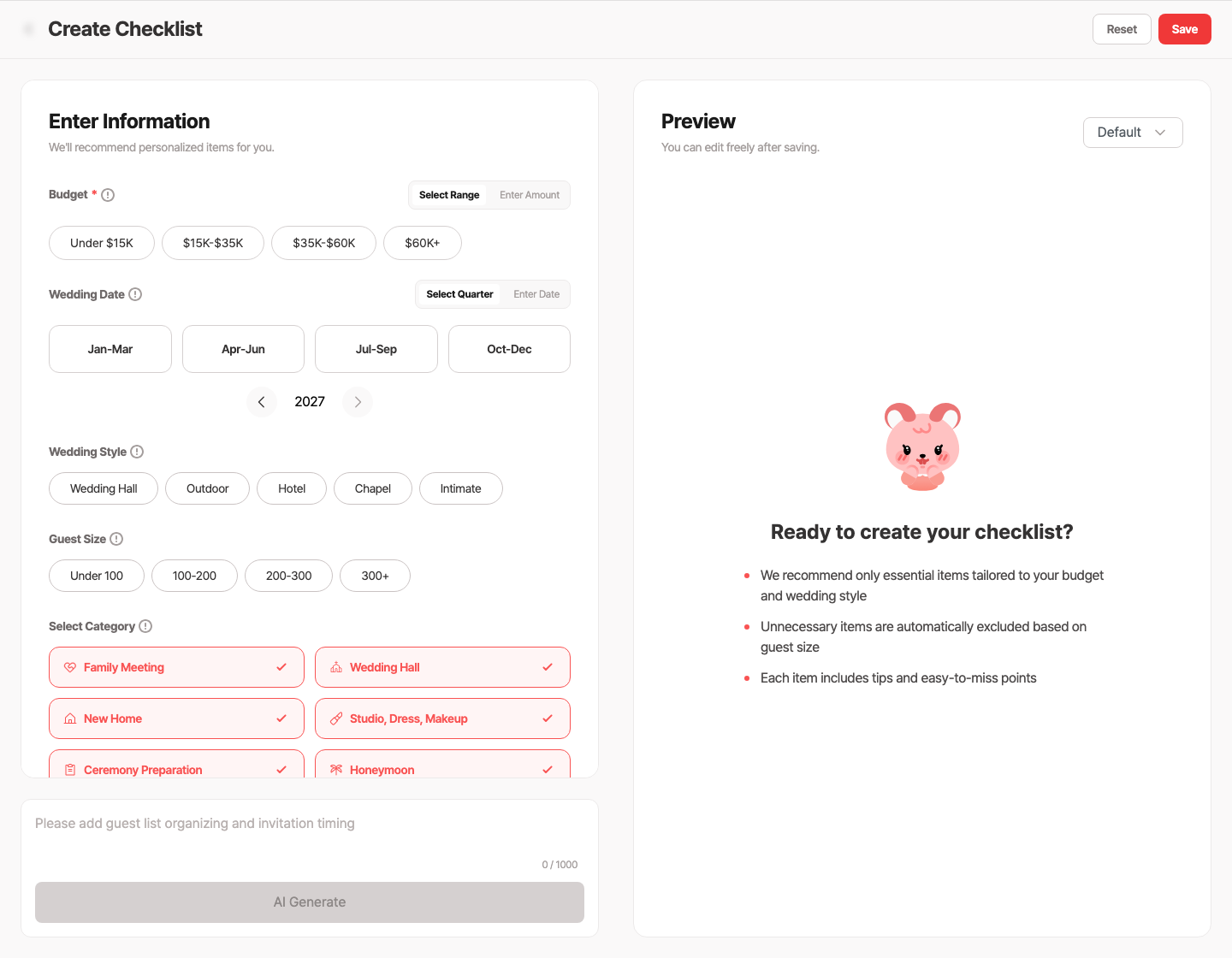
Wedding planning involves over 100 tasks by official standards. Figuring out what to do and in what order is itself a major challenge, but enter just your date and everything sorts automatically from what to do right now.
There are 4 inputs when creating a checklist: Wedding date (planned ceremony date or quarter), Budget level (budget / standard / premium), Guest count (small / medium / large), and Venue type (indoor / outdoor).
Once you enter these, the AI generates items one by one in real time. You'll see a progress bar as items are built category by category right before your eyes. If you don't like the result, you can regenerate a different version and compare multiple versions to pick the one you like best.
8-Category Structure
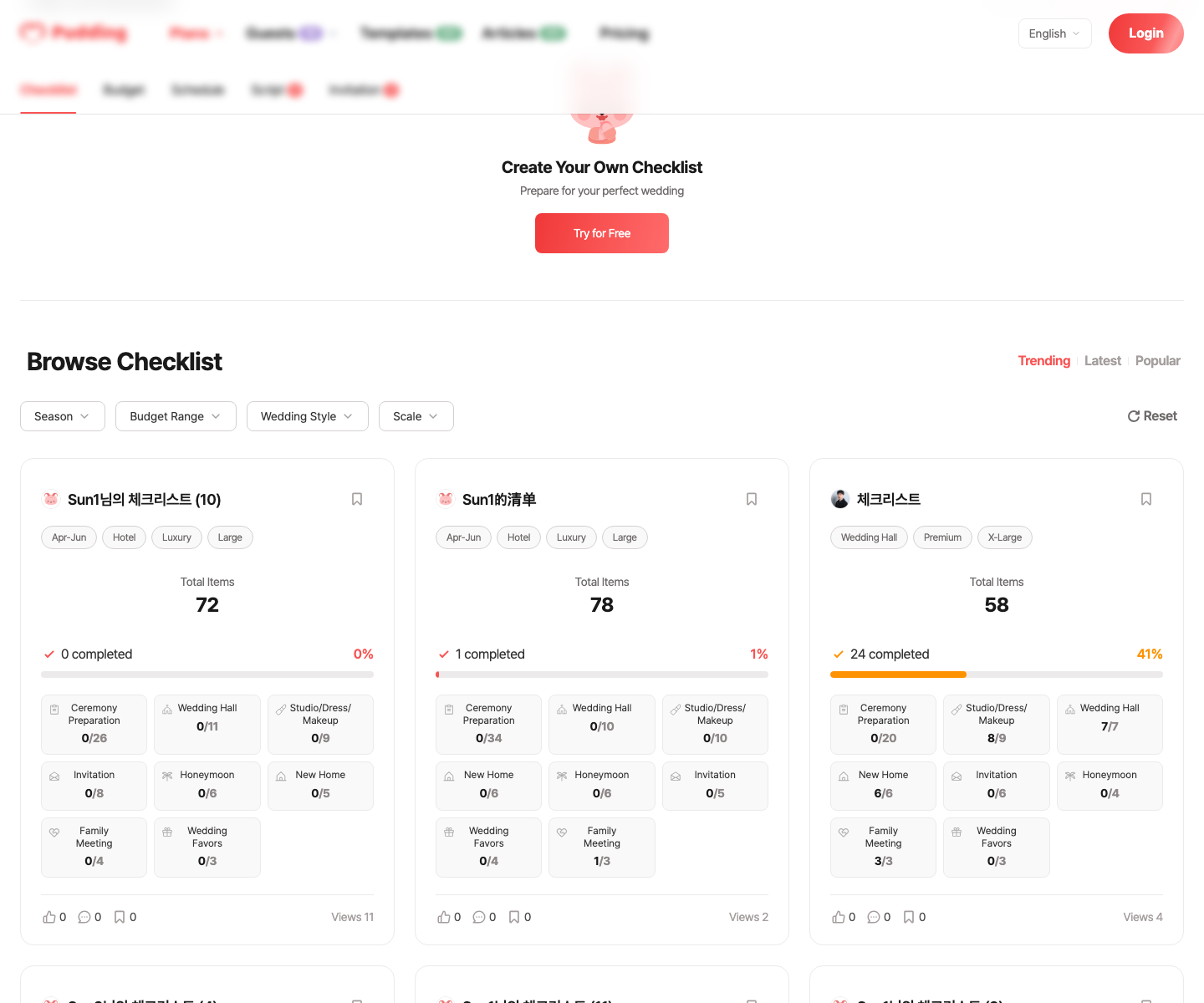
The AI-generated checklist is automatically organized into 8 categories. From the family meeting to thank-you gifts, you can see at a glance which areas are still outstanding.
Categories and items can be freely added or removed. Customize the AI-generated structure to fit your situation.
Detailed Item Management
Open any item to see the AI-generated practical tips, recommended timing, and budget range. Check off completed items and the progress updates automatically.
Wedding Venue Tour
Recommended timing: D-300~240
Budget: Venue rental $1,500–$6,000
Tip: "Visit at least 3–4 venues to compare. Go during the actual ceremony time slot to see the real lighting and atmosphere."
Track Progress on the Dashboard
Once you create a checklist, you can see the overall status at a glance on the dashboard. The overall progress shows how many of the 73 items are complete, progress by category reveals which categories are falling behind, and Next to-do automatically recommends what to tackle now.
Order matters just as much as the items themselves. Book the venue date first, then sign the photo/dress/makeup contracts. Following the right sequence keeps the whole process flowing naturally.
AI Edit Suggestions
As you manage your checklist, the AI proactively suggests missing items. Switch to an outdoor wedding? It'll ask about adding tent and weather backup items. Planning a small wedding? It'll suggest removing unnecessary items. The AI analyzes your current checklist and shows suggestions in priority order.
Manage Together with Your Partner
Invite your partner and manage the same checklist together. When one person completes an item, it's instantly reflected for the other. You both see the same dashboard, so it's transparent who did what.
Don't Build It Yourself
Frequently Asked Questions
Related Detailed Guides
For more details, check out the guides below.
- Complete Wedding Checklist: All 99 items organized by category
- 12-Month Wedding Timeline: A step-by-step look at what to do and when
- How to Save $10,000+ on Your Wedding: Budget customization strategies
- Wedding Cost Breakdown: Actual costs and savings tips by item
Before You Start Your Checklist
Don't Build Your Checklist from Scratch
Related Posts
View List
Stage 1. Set the Vision and Budget (D-360 to D-270)
Wedding Planning: Where Do You Even Start?
The ring is on, the photos are posted, and then reality sets in. "So... what do we do first?" Venue, photographer, guest list, registry, honeymoon.

The Right Order Saves You Money and Stress
18 Months to D-Day: Your Complete Wedding Planning Timeline
The most common thing couples share after the wedding? "I wish we had known sooner — we would have had so much more breathing room." Popular Saturday evening venues in major US cities book up 12 to…
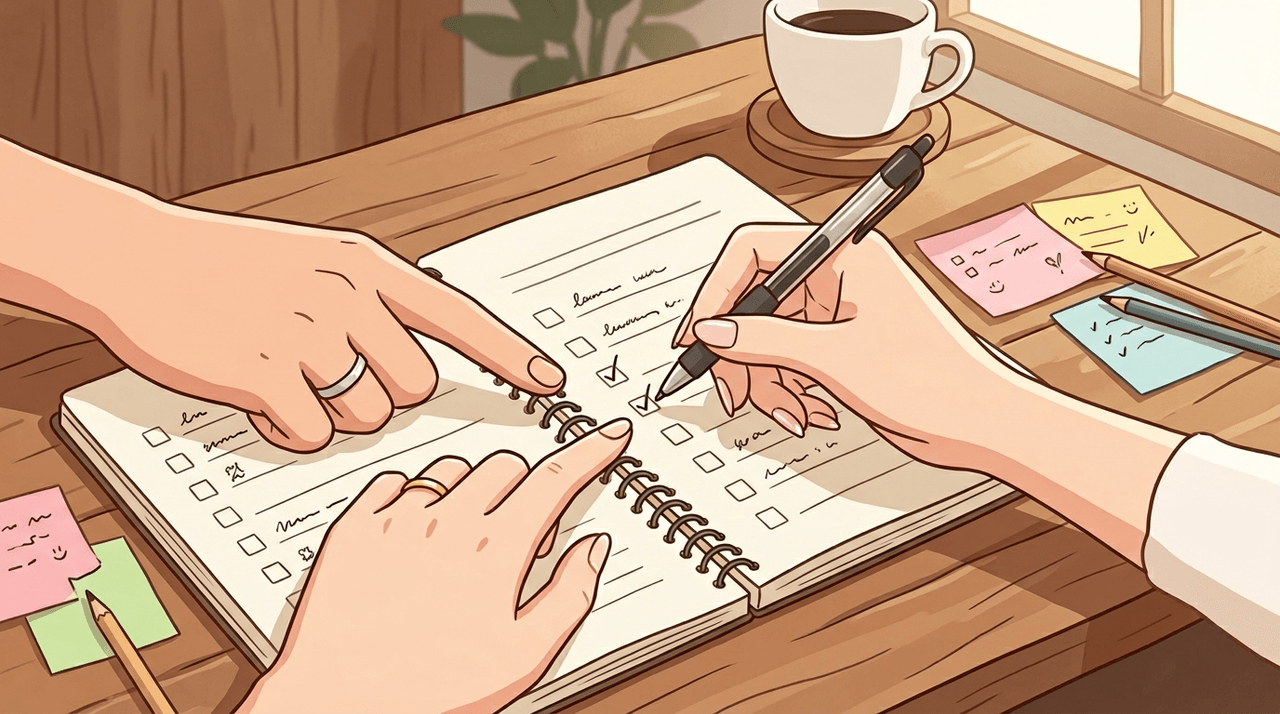
Stage 1: Budget · Venue · Date Confirmed
Wedding Planning Checklist: Every Detail You Might Miss
Studies show that over half of all couples end up spending more than they planned — knowing the full picture in advance makes it much easier to budget efficiently.
 Blessed Smoothie
 Magical Squirrel
 Blessed Smoothie
The proposal excitement fades fast, and reality sets in. When should we meet each other's parents? How far in advance should we book the venue? What about the dress? The honeymoon? Studies show that 34% of couples feel overwhelmed at the start — and knowing this upfront, you can plan with a clear structure from day one.
The root cause of this feeling is not being able to see the big picture. With Pudding, just enter your wedding date and 8 categories with 73 items are automatically generated, complete with timing, budget, and practical tips.
Create Your Checklist
Wedding planning involves over 100 tasks by official standards. Figuring out what to do and in what order is itself a major challenge, but enter just your date and everything sorts automatically from what to do right now.
There are 4 inputs when creating a checklist: Wedding date (planned ceremony date or quarter), Budget level (budget / standard / premium), Guest count (small / medium / large), and Venue type (indoor / outdoor).
Once you enter these, the AI generates items one by one in real time. You'll see a progress bar as items are built category by category right before your eyes. If you don't like the result, you can regenerate a different version and compare multiple versions to pick the one you like best.
8-Category Structure
The AI-generated checklist is automatically organized into 8 categories. From the family meeting to thank-you gifts, you can see at a glance which areas are still outstanding.
Categories and items can be freely added or removed. Customize the AI-generated structure to fit your situation.
Detailed Item Management
Open any item to see the AI-generated practical tips, recommended timing, and budget range. Check off completed items and the progress updates automatically.
Wedding Venue Tour
Recommended timing: D-300~240
Budget: Venue rental $1,500–$6,000
Tip: "Visit at least 3–4 venues to compare. Go during the actual ceremony time slot to see the real lighting and atmosphere."
Track Progress on the Dashboard
Once you create a checklist, you can see the overall status at a glance on the dashboard. The overall progress shows how many of the 73 items are complete, progress by category reveals which categories are falling behind, and Next to-do automatically recommends what to tackle now.
Order matters just as much as the items themselves. Book the venue date first, then sign the photo/dress/makeup contracts. Following the right sequence keeps the whole process flowing naturally.
AI Edit Suggestions
As you manage your checklist, the AI proactively suggests missing items. Switch to an outdoor wedding? It'll ask about adding tent and weather backup items. Planning a small wedding? It'll suggest removing unnecessary items. The AI analyzes your current checklist and shows suggestions in priority order.
Manage Together with Your Partner
Invite your partner and manage the same checklist together. When one person completes an item, it's instantly reflected for the other. You both see the same dashboard, so it's transparent who did what.
Don't Build It Yourself
Frequently Asked Questions
Related Detailed Guides
For more details, check out the guides below.
- Complete Wedding Checklist: All 99 items organized by category
- 12-Month Wedding Timeline: A step-by-step look at what to do and when
- How to Save $10,000+ on Your Wedding: Budget customization strategies
- Wedding Cost Breakdown: Actual costs and savings tips by item
Before You Start Your Checklist
Don't Build Your Checklist from Scratch
Related Posts
View ListStage 1. Set the Vision and Budget (D-360 to D-270)
Wedding Planning: Where Do You Even Start?
The ring is on, the photos are posted, and then reality sets in. "So... what do we do first?" Venue, photographer, guest list, registry, honeymoon.
The Right Order Saves You Money and Stress
18 Months to D-Day: Your Complete Wedding Planning Timeline
The most common thing couples share after the wedding? "I wish we had known sooner — we would have had so much more breathing room." Popular Saturday evening venues in major US cities book up 12 to…
Stage 1: Budget · Venue · Date Confirmed
Wedding Planning Checklist: Every Detail You Might Miss
Studies show that over half of all couples end up spending more than they planned — knowing the full picture in advance makes it much easier to budget efficiently.
Blessed SmoothieMagical SquirrelBlessed Smoothie