

Creating Your Schedule
Schedule Guide: Enter Wedding Date, Get 60 Tasks Auto-Planned
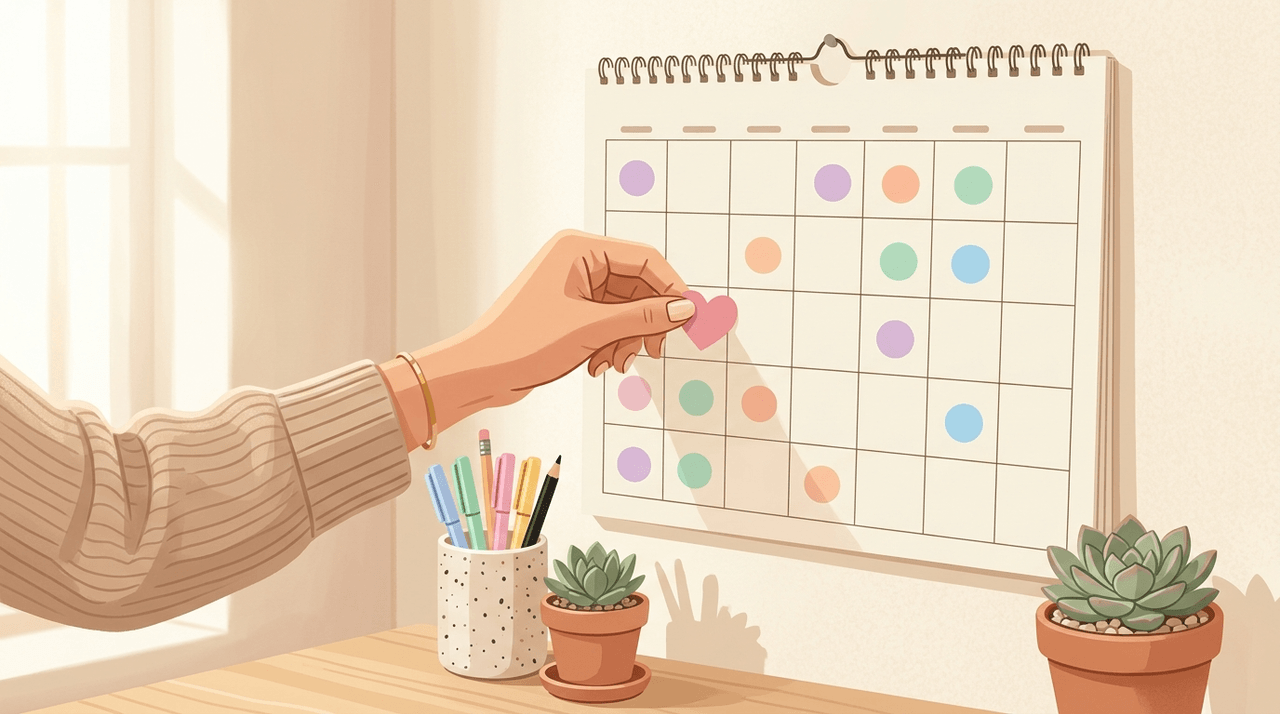
71% of couples say there are a lot of decisions to make when planning a wedding. But once you set your wedding date, every task falls into place automatically — just follow the order and it all comes together.
Creating Your Schedule
Popular venues in peak season fill up 18 months in advance. If you plan your schedule late, your preferred dates and venues may already be taken.
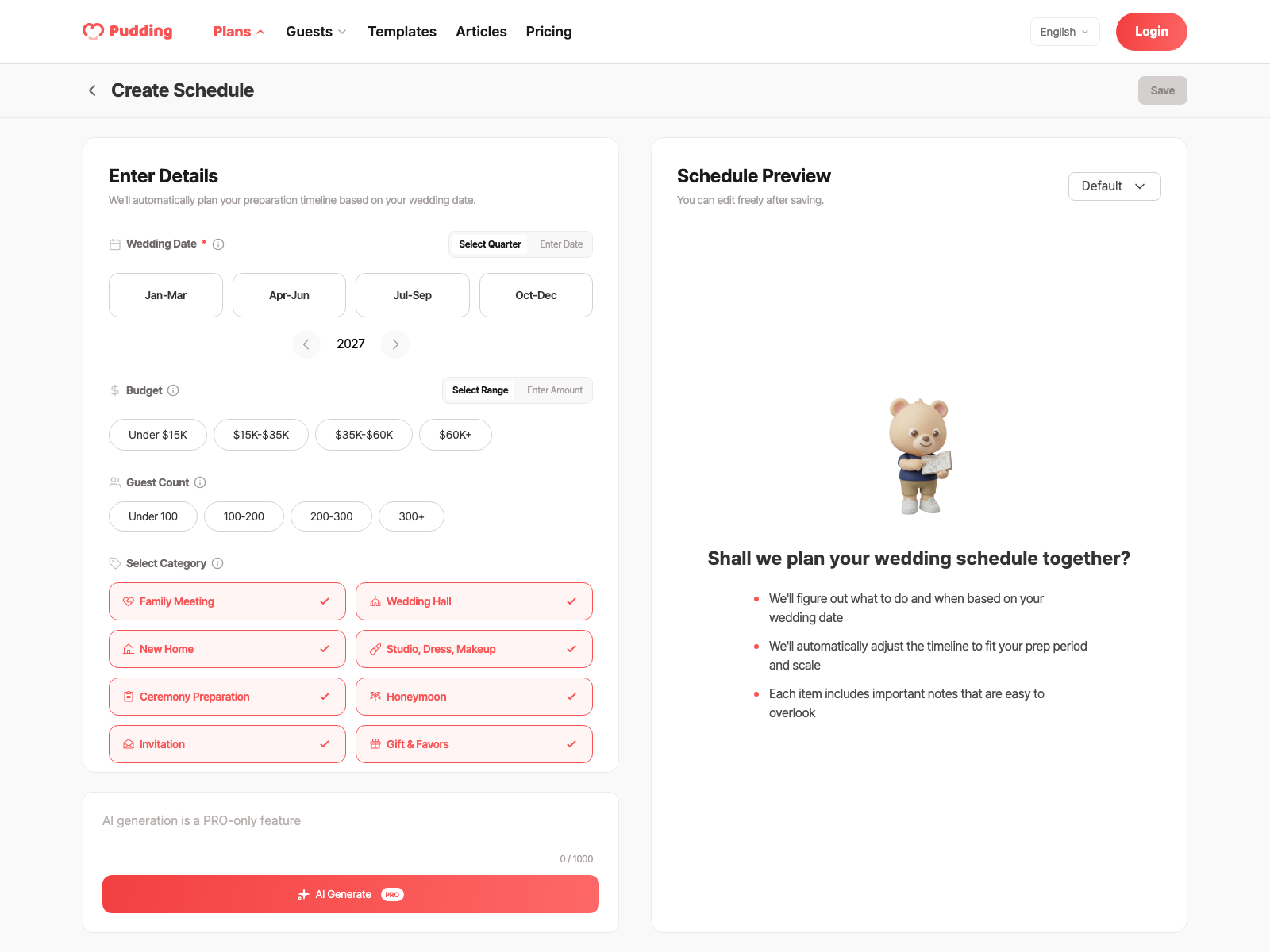
Enter just your wedding date and everything is automatically placed from what to do right now, calculated back from D-Day. Enter your wedding date, budget tier (budget/standard/premium), guest count (small/medium/large), and venue type (indoor/outdoor) and 50–60 tasks across 8 categories are generated automatically.
8 Categories
Wedding preparation is divided into 8 categories. Each category has a different color, so you can see instantly in the calendar which areas still need attention.
How Auto-Scheduling Works
Pudding's scheduling isn't simply "venue tour at D-180." It adjusts proportionally to the time remaining until your wedding date. Start 12 months out and the full schedule is spread comfortably; start 4 months out and tasks are automatically compressed. Choose an outdoor venue and weather backup and tent-related tasks are added automatically; choose a small wedding and unnecessary items are automatically removed.
Calendar View and List View
Your schedule can be viewed two ways: Calendar View (tasks shown on a monthly calendar, drag to change dates) and List View (tasks grouped by month from D-12 to D-1, in checklist form). Each task shows a recommended date, category, and AI tip.
Family Meeting Venue Reservation: D-300 (10 months before): First meeting between families. Reserve a private dining room. Budget $150–500 per person.
Rehearsal Dinner Booking: D-90 (3 months before): Traditionally hosted by the groom's family. Budget $1,500–5,000.
Bachelor/Bachelorette Party: D-60 (2 months before): Organized by the best man or maid of honor. Budget $200–2,000 per person.
Common Planning Mistakes to Avoid
AI Redistribution
Hit the "Redistribute" button and completed tasks stay in place while AI analyzes your patterns and recommends new dates for unscheduled items. If you locked in your venue early, the remaining tasks shift forward to match your pace.
Google Calendar Sync
Click "Connect Google Calendar" on the schedule screen and authenticate with your Google account (OAuth) to link them. When you add, edit, or delete tasks in Pudding, they automatically sync to Google Calendar. You can also hit "Sync" to update manually.
If you share Google Calendar with your partner, tasks synced from Pudding will appear on both calendars at the same time.
Manage Together with Your Partner
Invite your partner and you can both view the same schedule. When your partner checks off a task, it updates on your screen instantly.
Frequently Asked Questions
Detailed Schedule Guides
- Full 12-month timeline: Wedding Prep 12-Month Timeline: What to Do and When, Step by Step
- Date selection strategy: Peak vs. Off-Season Cost Differences: Changing the Date Can Save You Thousands
5 Tasks Couples Most Often Miss
These are the tasks that couples who've finished wedding planning most often say they "had no idea about." Marriage license registration needs to happen on the wedding day or the next: many couples forget for months. Final dress fitting must happen 2–3 weeks before the ceremony so the dress fits on the day. Invitation send timing is 6–8 weeks before the ceremony. Final guest meal count needs to be confirmed 7 days before and reported to the venue 3 days before. Ceremonial food orders need to be placed 4–6 weeks before, with most vendors closing orders 2 weeks out.
Marriage license registration and final dress fitting are both included in Pudding's auto-generated schedule. Check your task list now.
Schedule Start Checklist
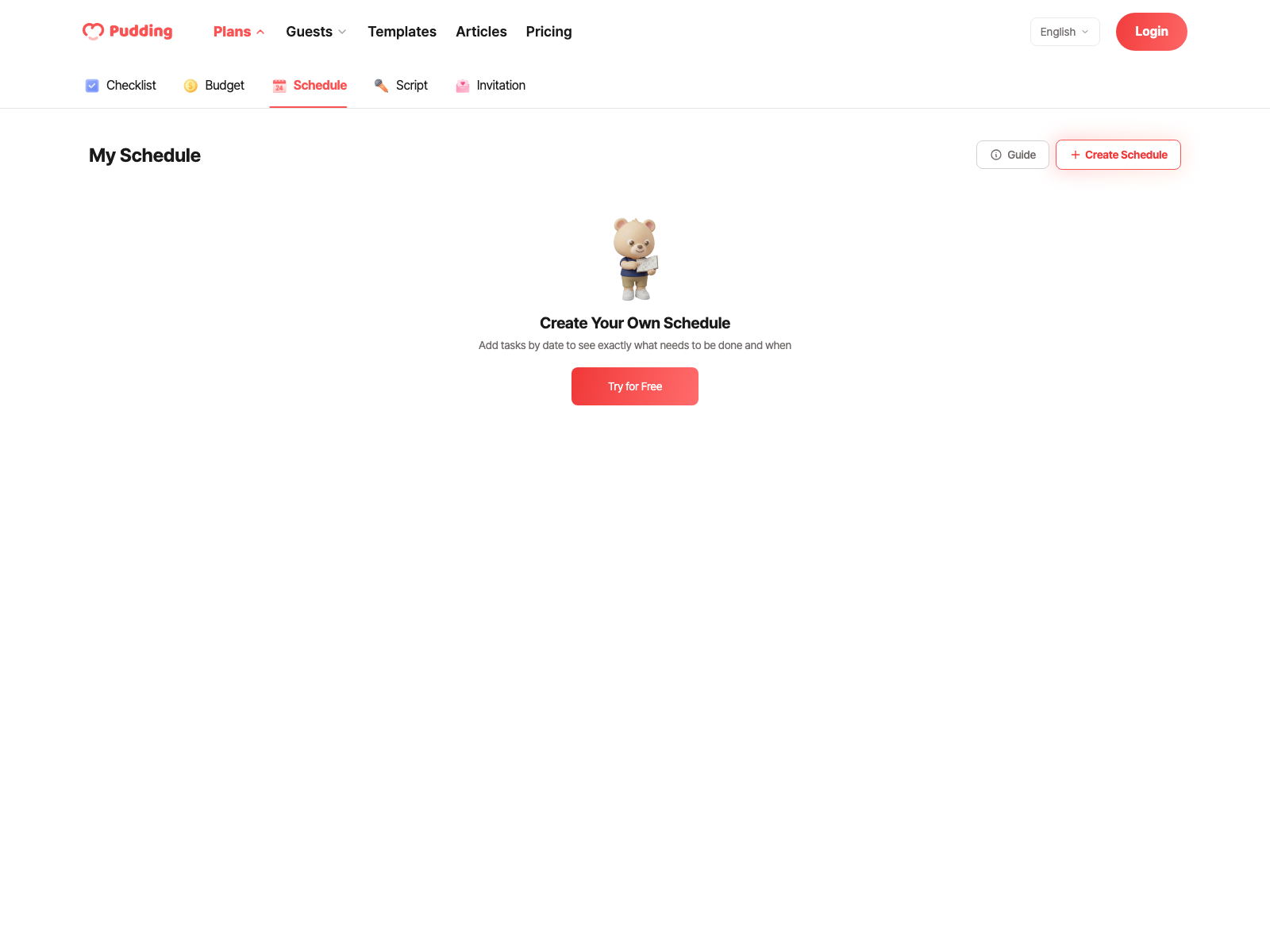
Don't Plan Your Wedding Schedule Yourself
Related Posts
View List
Timing and Costs
How to Pick the Perfect Wedding Date, Including Seasonal Costs
Once you set a wedding date, everything works backward: the venue, vendors, honeymoon, and invitations all follow from that one decision.

The Right Order Saves You Money and Stress
18 Months to D-Day: Your Complete Wedding Planning Timeline
The most common thing couples share after the wedding? "I wish we had known sooner — we would have had so much more breathing room." Popular Saturday evening venues in major US cities book up 12 to…
Reality Check: Break the Budget Myth First
Outdoor Wedding: Beautiful, But Twice the Prep Work
Outdoor weddings offer the undeniable magic of natural light and open spaces, but everything that is provided by default indoors (sound, lighting, restrooms, parking) must be arranged on your own.
 Grand Bracelet
 Blessed Smoothie
71% of couples say there are a lot of decisions to make when planning a wedding. But once you set your wedding date, every task falls into place automatically — just follow the order and it all comes together.
Creating Your Schedule
Popular venues in peak season fill up 18 months in advance. If you plan your schedule late, your preferred dates and venues may already be taken.
Enter just your wedding date and everything is automatically placed from what to do right now, calculated back from D-Day. Enter your wedding date, budget tier (budget/standard/premium), guest count (small/medium/large), and venue type (indoor/outdoor) and 50–60 tasks across 8 categories are generated automatically.
8 Categories
Wedding preparation is divided into 8 categories. Each category has a different color, so you can see instantly in the calendar which areas still need attention.
How Auto-Scheduling Works
Pudding's scheduling isn't simply "venue tour at D-180." It adjusts proportionally to the time remaining until your wedding date. Start 12 months out and the full schedule is spread comfortably; start 4 months out and tasks are automatically compressed. Choose an outdoor venue and weather backup and tent-related tasks are added automatically; choose a small wedding and unnecessary items are automatically removed.
Calendar View and List View
Your schedule can be viewed two ways: Calendar View (tasks shown on a monthly calendar, drag to change dates) and List View (tasks grouped by month from D-12 to D-1, in checklist form). Each task shows a recommended date, category, and AI tip.
Family Meeting Venue Reservation: D-300 (10 months before): First meeting between families. Reserve a private dining room. Budget $150–500 per person.
Rehearsal Dinner Booking: D-90 (3 months before): Traditionally hosted by the groom's family. Budget $1,500–5,000.
Bachelor/Bachelorette Party: D-60 (2 months before): Organized by the best man or maid of honor. Budget $200–2,000 per person.
Common Planning Mistakes to Avoid
AI Redistribution
Hit the "Redistribute" button and completed tasks stay in place while AI analyzes your patterns and recommends new dates for unscheduled items. If you locked in your venue early, the remaining tasks shift forward to match your pace.
Google Calendar Sync
Click "Connect Google Calendar" on the schedule screen and authenticate with your Google account (OAuth) to link them. When you add, edit, or delete tasks in Pudding, they automatically sync to Google Calendar. You can also hit "Sync" to update manually.
If you share Google Calendar with your partner, tasks synced from Pudding will appear on both calendars at the same time.
Manage Together with Your Partner
Invite your partner and you can both view the same schedule. When your partner checks off a task, it updates on your screen instantly.
Frequently Asked Questions
Detailed Schedule Guides
- Full 12-month timeline: Wedding Prep 12-Month Timeline: What to Do and When, Step by Step
- Date selection strategy: Peak vs. Off-Season Cost Differences: Changing the Date Can Save You Thousands
5 Tasks Couples Most Often Miss
These are the tasks that couples who've finished wedding planning most often say they "had no idea about." Marriage license registration needs to happen on the wedding day or the next: many couples forget for months. Final dress fitting must happen 2–3 weeks before the ceremony so the dress fits on the day. Invitation send timing is 6–8 weeks before the ceremony. Final guest meal count needs to be confirmed 7 days before and reported to the venue 3 days before. Ceremonial food orders need to be placed 4–6 weeks before, with most vendors closing orders 2 weeks out.
Marriage license registration and final dress fitting are both included in Pudding's auto-generated schedule. Check your task list now.
Schedule Start Checklist
Don't Plan Your Wedding Schedule Yourself
Related Posts
View ListTiming and Costs
How to Pick the Perfect Wedding Date, Including Seasonal Costs
Once you set a wedding date, everything works backward: the venue, vendors, honeymoon, and invitations all follow from that one decision.
The Right Order Saves You Money and Stress
18 Months to D-Day: Your Complete Wedding Planning Timeline
The most common thing couples share after the wedding? "I wish we had known sooner — we would have had so much more breathing room." Popular Saturday evening venues in major US cities book up 12 to…
Reality Check: Break the Budget Myth First
Outdoor Wedding: Beautiful, But Twice the Prep Work
Outdoor weddings offer the undeniable magic of natural light and open spaces, but everything that is provided by default indoors (sound, lighting, restrooms, parking) must be arranged on your own.
Grand BraceletBlessed Smoothie