

Now over 70% of couples use digital invitations in some form. The days of paper-only invitations are behind us. Still, your wedding invitation is the first official message your guests receive about your big day. From choosing a design to writing the wording and sending it out, there's a lot to coordinate, but Pudding lets you handle everything from start to finish in one place. Making an invitation on Pudding takes just 5 steps: Choose a template → Enter your details → Write your wording → Add photos → Share. Follow each step and you'll be done in 5 minutes.
Cost comparison: Paper invitations run $400–$800 for 200 cards + postage. Paid digital invitation services charge $10–$30. Pudding is free, 20 designs, AI wording, and RSVP all included.
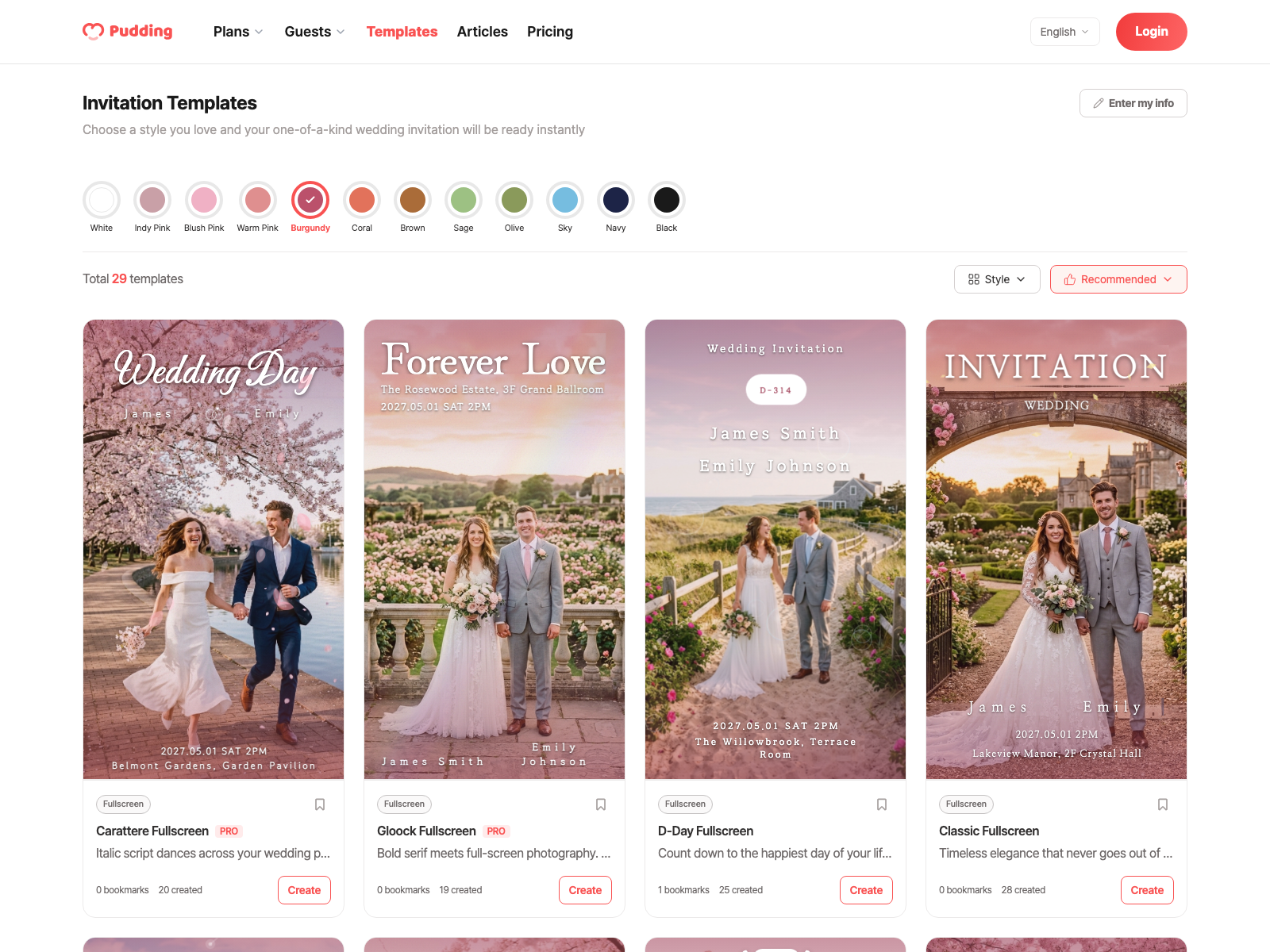
Choose a Template
When you open Pudding, you can pick from 4 styles × 20 designs. Fullscreen (6 options) fills the entire screen with your photo. Split (2 options) gives a clean, modern look with photo and text side by side. Frame (9 options) adds a decorative border for a warm, sentimental feel. Illustration (3 options) looks beautiful even without wedding photos.
Once you pick a template, you can also apply 12 color themes. The same design looks completely different with a new color. You can swap templates anytime, so just pick one quickly and get started.
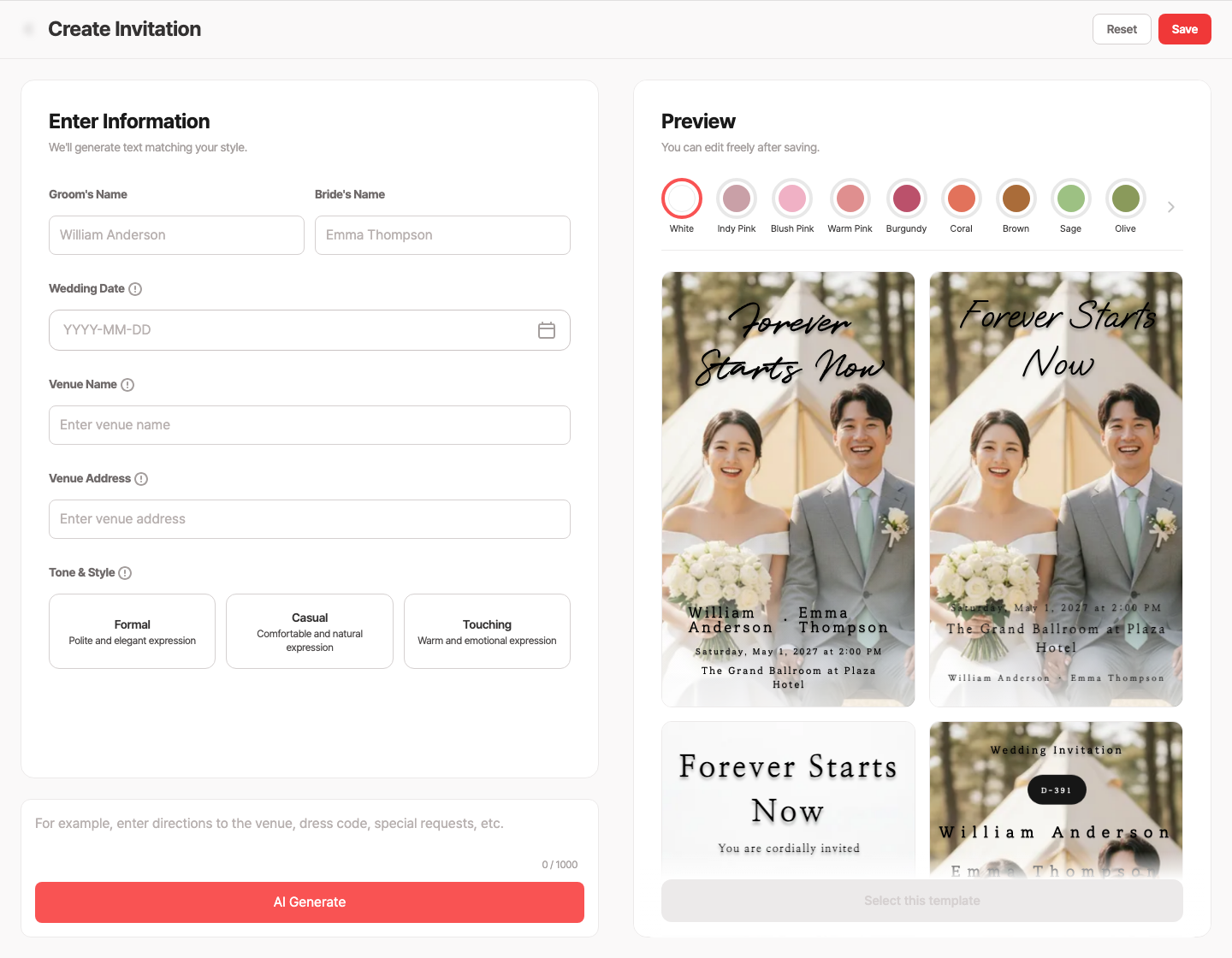
Enter Your Wedding Details
There are 5 sections to fill in. The Cover takes the couple's names, and Date & Time lets you pick from a calendar with an optional D-Day countdown. The Venue auto-displays a map once you enter the name, address, and floor. Registry generates copy buttons automatically for each side's payment details, and Directions lets you search transit routes from a built-in database.
If anything changes, don't worry. You can edit anytime, and updates are reflected in real time on invitations already shared, no need to resend. The same link updates automatically.
AI-Powered Wording
The hardest part of making an invitation is writing the wording. With Pudding, AI helps you write each section, from the welcome greeting, our story, and thank-you note to meal info, dress code, gift guidance, parking, and RSVP instructions.
Select a tone and a draft is auto-generated.
Formal: "Two lives, once separate, now join together in love..."
Casual: "Hey! We're getting married. Come celebrate with us :)"
Heartfelt: "The butterflies from our first date are still just as strong..."
Keep what you like, edit the rest, or regenerate. If you'd rather write your own, check out our 50+ wedding invitation wording collection for inspiration.

Add Photos & Videos
The Main image is the hero photo on the cover. The Gallery holds up to 15 engagement photos or selfies, and Video supports YouTube links or direct uploads.
Uploaded photos are automatically optimized, even large files won't slow down loading, so feel free to upload originals.
Preview and Share
Once your invitation is complete, you can preview exactly what your guests will see. After checking, a share link is automatically generated, send it via iMessage, text, email, or any channel you prefer, and you're done.
You can edit your invitation anytime, even after sharing. Venue change, time change, adding registry details, edit and the same link updates instantly. View counts and guestbook entries are preserved too.
It Really Starts After You Send It
Once you share your invitation, Pudding keeps working. Each guest's behavior is tracked from the moment they open it, and the data you need builds automatically through the wedding day.
Personalized Links
Generate personalized links from your guest list and see who opened your invitation in real time. Pudding automatically records whether the invitation was opened, how many times, how long they read it (in seconds), how far they scrolled (0–100%), and when they last viewed it.
Behavior-Based Attendance Prediction
Even without RSVP responses, Pudding analyzes guest behavior patterns (calendar adds, account copies, map views, etc.) to automatically predict attendance likelihood. See the RSVP guide for details.
RSVP (Attendance Response)
Your invitation has built-in RSVP. Guests can select attending/not attending/undecided, specify plus-ones, and leave a message. Responses are tallied in real time on your dashboard.
Guestbook
Guests can leave congratulatory messages right on the invitation. Warm messages accumulate before and after the wedding.
Automatic Flow Starting from the Invitation
A Pudding invitation doesn't end on its own. Once you create it, everything connects automatically through the wedding day.
Once you share your invitation, Guest registration (Guest management guide), View tracking, Attendance prediction (RSVP guide), Reception (5-sec check-in per person, Reception guide), and Gift settlement (Gift guide) all connect automatically.
Paper Invitation vs. Pudding Mobile Invitation
Frequently Asked Questions
Invitation Preparation Timeline
Invitation Creation Checklist
Create yours now
Related Posts
View List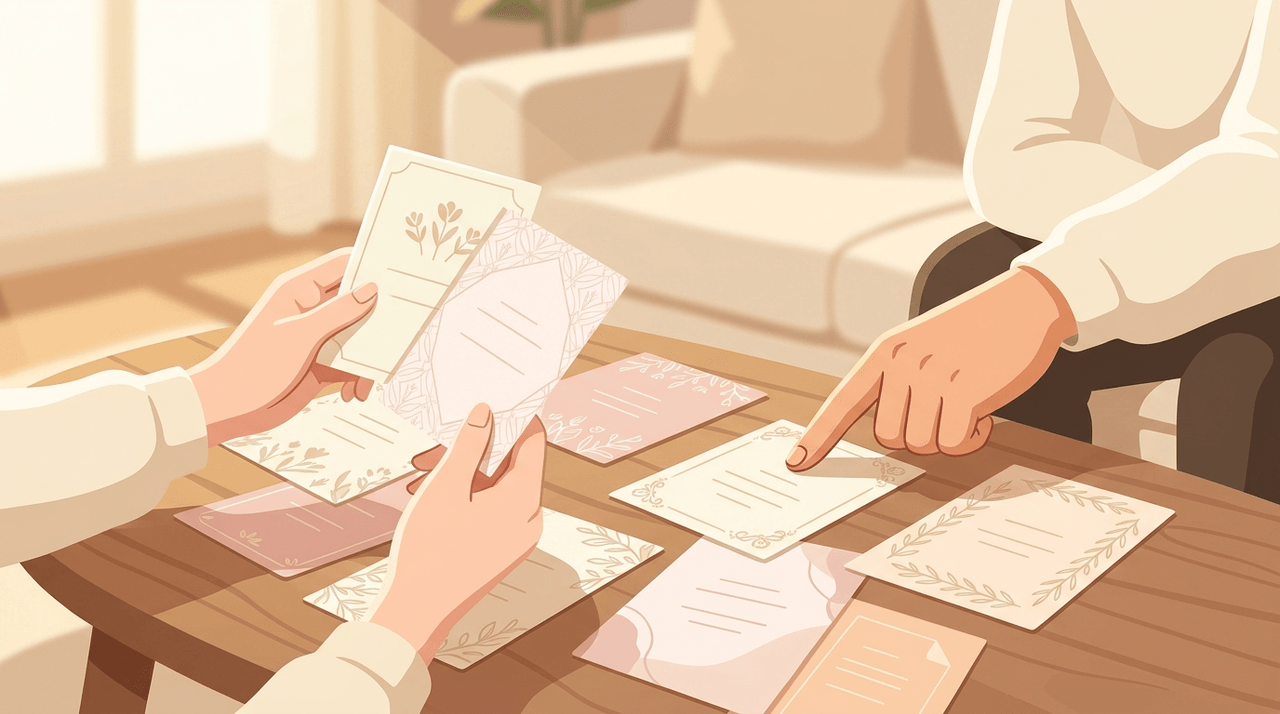
Paper vs. Digital: Cost & Format Comparison
Wedding Invitation Wording: Complete Examples by Section
"What should I write on my wedding invitation?" is one of the most searched wedding questions online. The design comes together quickly, but the wording takes 2–3x longer on average.
Reality Check: Break the Budget Myth First
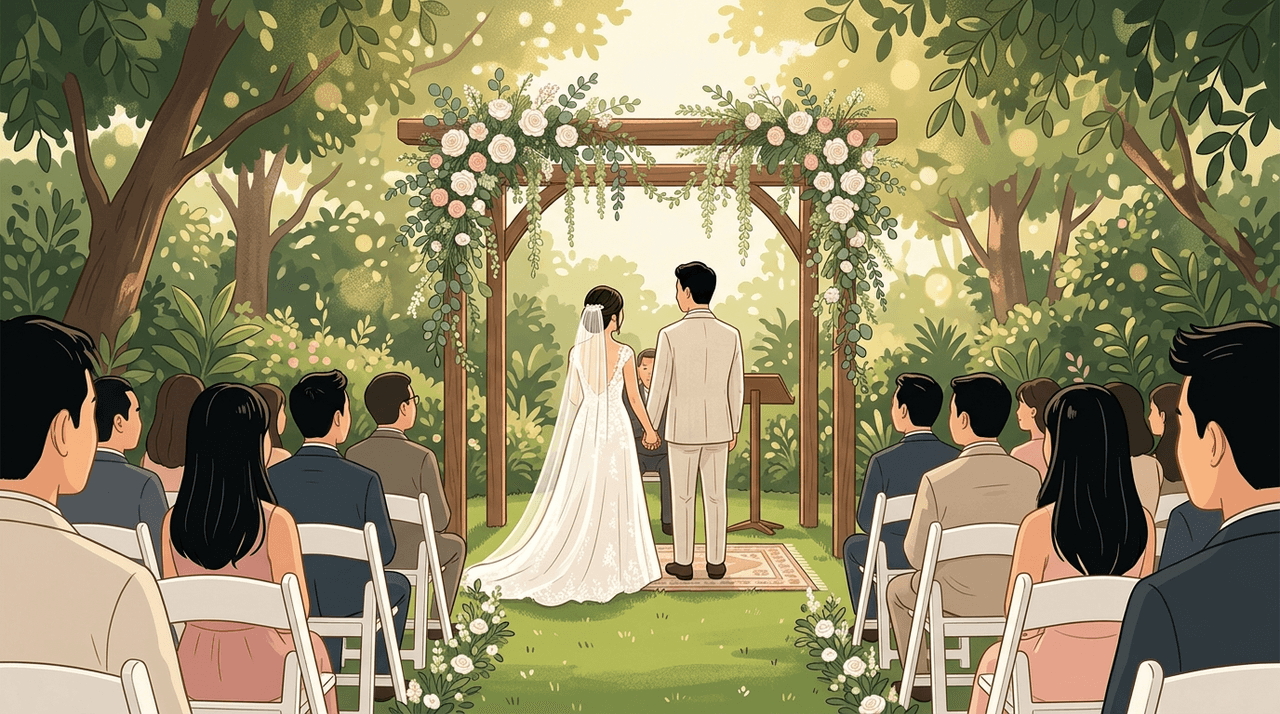
Outdoor Wedding: Beautiful, But Twice the Prep Work
Outdoor weddings offer the undeniable magic of natural light and open spaces, but everything that is provided by default indoors (sound, lighting, restrooms, parking) must be arranged on your own.
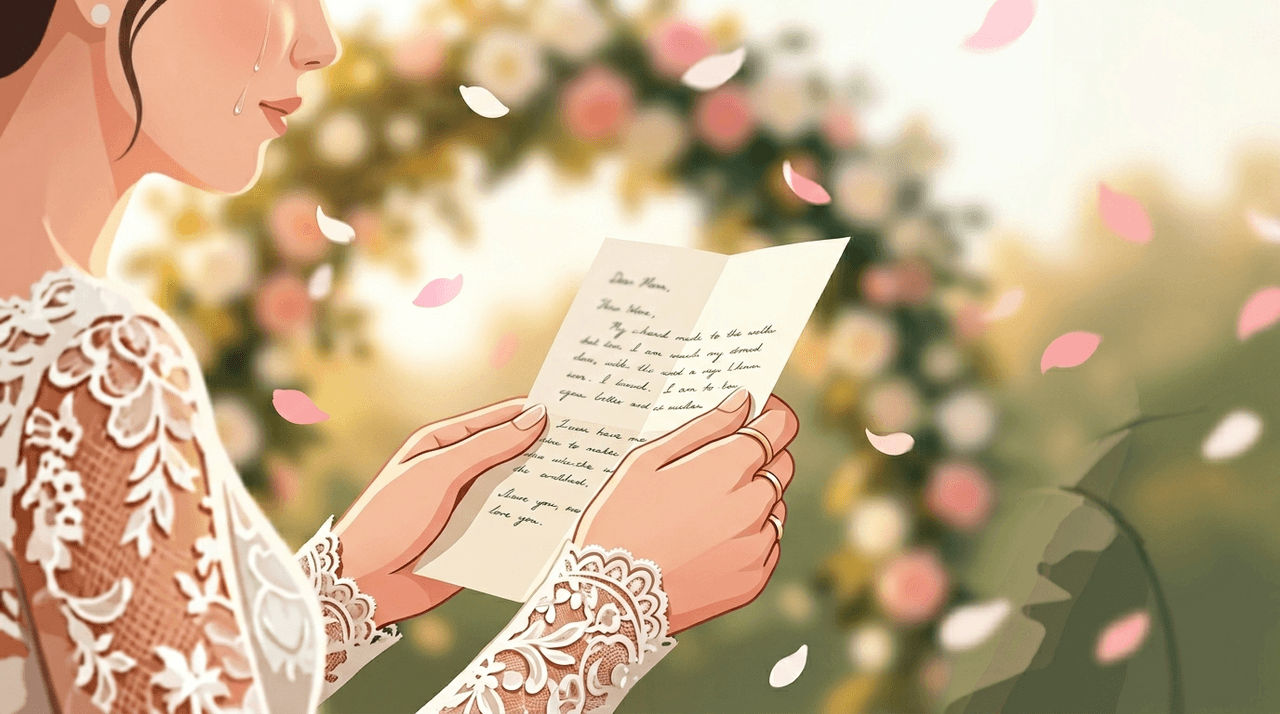
Choose Your Format
How to Write Your Wedding Vows
Deciding how you'll read your vows makes writing them much easier. Your vows only need three things. Follow this order and it flows naturally. One memory that only the two of you share.
 Miraculous Wine
 Cozy Angel
 Blessed Smoothie
Now over 70% of couples use digital invitations in some form. The days of paper-only invitations are behind us. Still, your wedding invitation is the first official message your guests receive about your big day. From choosing a design to writing the wording and sending it out, there's a lot to coordinate, but Pudding lets you handle everything from start to finish in one place. Making an invitation on Pudding takes just 5 steps: Choose a template → Enter your details → Write your wording → Add photos → Share. Follow each step and you'll be done in 5 minutes.
Cost comparison: Paper invitations run $400–$800 for 200 cards + postage. Paid digital invitation services charge $10–$30. Pudding is free, 20 designs, AI wording, and RSVP all included.
Choose a Template
When you open Pudding, you can pick from 4 styles × 20 designs. Fullscreen (6 options) fills the entire screen with your photo. Split (2 options) gives a clean, modern look with photo and text side by side. Frame (9 options) adds a decorative border for a warm, sentimental feel. Illustration (3 options) looks beautiful even without wedding photos.
Once you pick a template, you can also apply 12 color themes. The same design looks completely different with a new color. You can swap templates anytime, so just pick one quickly and get started.
Enter Your Wedding Details
There are 5 sections to fill in. The Cover takes the couple's names, and Date & Time lets you pick from a calendar with an optional D-Day countdown. The Venue auto-displays a map once you enter the name, address, and floor. Registry generates copy buttons automatically for each side's payment details, and Directions lets you search transit routes from a built-in database.
If anything changes, don't worry. You can edit anytime, and updates are reflected in real time on invitations already shared, no need to resend. The same link updates automatically.
AI-Powered Wording
The hardest part of making an invitation is writing the wording. With Pudding, AI helps you write each section, from the welcome greeting, our story, and thank-you note to meal info, dress code, gift guidance, parking, and RSVP instructions.
Select a tone and a draft is auto-generated.
Formal: "Two lives, once separate, now join together in love..."
Casual: "Hey! We're getting married. Come celebrate with us :)"
Heartfelt: "The butterflies from our first date are still just as strong..."
Keep what you like, edit the rest, or regenerate. If you'd rather write your own, check out our 50+ wedding invitation wording collection for inspiration.
Add Photos & Videos
The Main image is the hero photo on the cover. The Gallery holds up to 15 engagement photos or selfies, and Video supports YouTube links or direct uploads.
Uploaded photos are automatically optimized, even large files won't slow down loading, so feel free to upload originals.
Preview and Share
Once your invitation is complete, you can preview exactly what your guests will see. After checking, a share link is automatically generated, send it via iMessage, text, email, or any channel you prefer, and you're done.
You can edit your invitation anytime, even after sharing. Venue change, time change, adding registry details, edit and the same link updates instantly. View counts and guestbook entries are preserved too.
It Really Starts After You Send It
Once you share your invitation, Pudding keeps working. Each guest's behavior is tracked from the moment they open it, and the data you need builds automatically through the wedding day.
Personalized Links
Generate personalized links from your guest list and see who opened your invitation in real time. Pudding automatically records whether the invitation was opened, how many times, how long they read it (in seconds), how far they scrolled (0–100%), and when they last viewed it.
Behavior-Based Attendance Prediction
Even without RSVP responses, Pudding analyzes guest behavior patterns (calendar adds, account copies, map views, etc.) to automatically predict attendance likelihood. See the RSVP guide for details.
RSVP (Attendance Response)
Your invitation has built-in RSVP. Guests can select attending/not attending/undecided, specify plus-ones, and leave a message. Responses are tallied in real time on your dashboard.
Guestbook
Guests can leave congratulatory messages right on the invitation. Warm messages accumulate before and after the wedding.
Automatic Flow Starting from the Invitation
A Pudding invitation doesn't end on its own. Once you create it, everything connects automatically through the wedding day.
Once you share your invitation, Guest registration (Guest management guide), View tracking, Attendance prediction (RSVP guide), Reception (5-sec check-in per person, Reception guide), and Gift settlement (Gift guide) all connect automatically.
Paper Invitation vs. Pudding Mobile Invitation
Frequently Asked Questions
Invitation Preparation Timeline
Invitation Creation Checklist
Create yours now
Related Posts
View ListPaper vs. Digital: Cost & Format Comparison
Wedding Invitation Wording: Complete Examples by Section
"What should I write on my wedding invitation?" is one of the most searched wedding questions online. The design comes together quickly, but the wording takes 2–3x longer on average.
Reality Check: Break the Budget Myth First
Outdoor Wedding: Beautiful, But Twice the Prep Work
Outdoor weddings offer the undeniable magic of natural light and open spaces, but everything that is provided by default indoors (sound, lighting, restrooms, parking) must be arranged on your own.
Choose Your Format
How to Write Your Wedding Vows
Deciding how you'll read your vows makes writing them much easier. Your vows only need three things. Follow this order and it flows naturally. One memory that only the two of you share.
Miraculous WineCozy AngelBlessed Smoothie